
Wide GPT Pro

More for people who live in ChatGPT. Wide GPT itself stays free; Pro adds features on top of it. Try it free for 7 days.

Billing

Free

US$0

Wide GPT itself stays free.

  • Room for code and tables
  • A width slider, from ChatGPT's default up to full width
  • On and off with one shortcut
  • No account
Add to Chrome, it's free (opens in a new tab)

7-day refund

Within 7 days of a charge, monthly or yearly, email support@widegpt.app from your order's email address and we refund that charge in full. No reason needed. See the refund policy.

How to get Pro

Three steps on your computer. No account, and no key to copy.

Pro runs in Chrome on a computer. Start the trial on this phone and finish there, or follow these steps on your computer.

  1. Add Wide GPT to Chrome

    It's free, from the Chrome Web Store. Its icon sits next to the address bar; pin it from Chrome's puzzle-piece menu to keep it in view.

    Chrome's toolbar with the puzzle-piece Extensions button open: Wide GPT is listed, with a pin button to keep its icon next to the address bar. ChatGPT chatgpt.com Extensions Wide GPT Manage extensions Add to Chrome → (opens in a new tab)
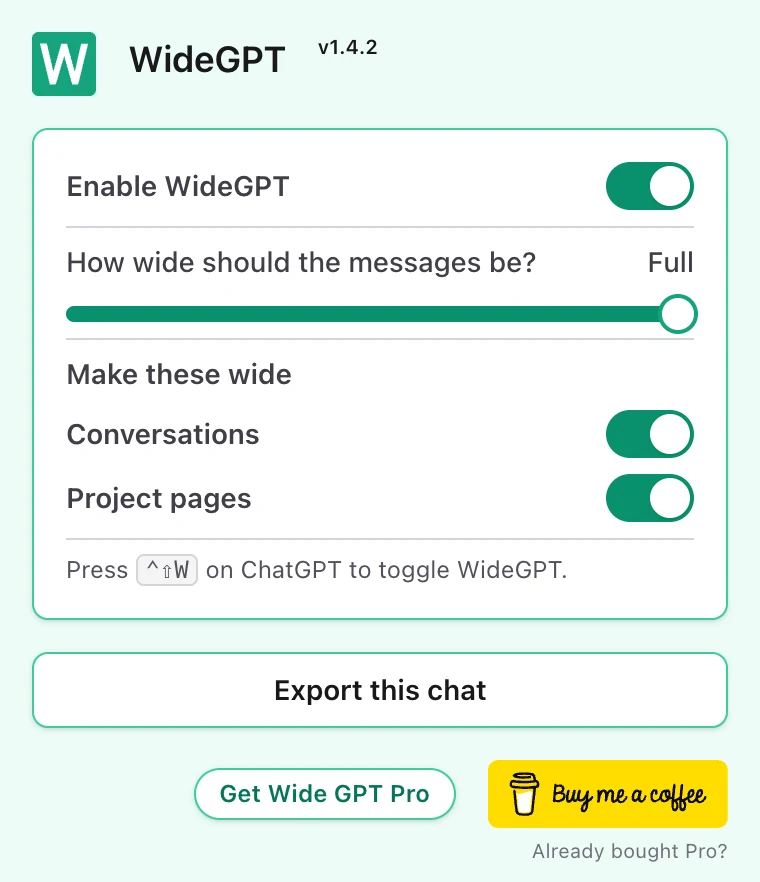
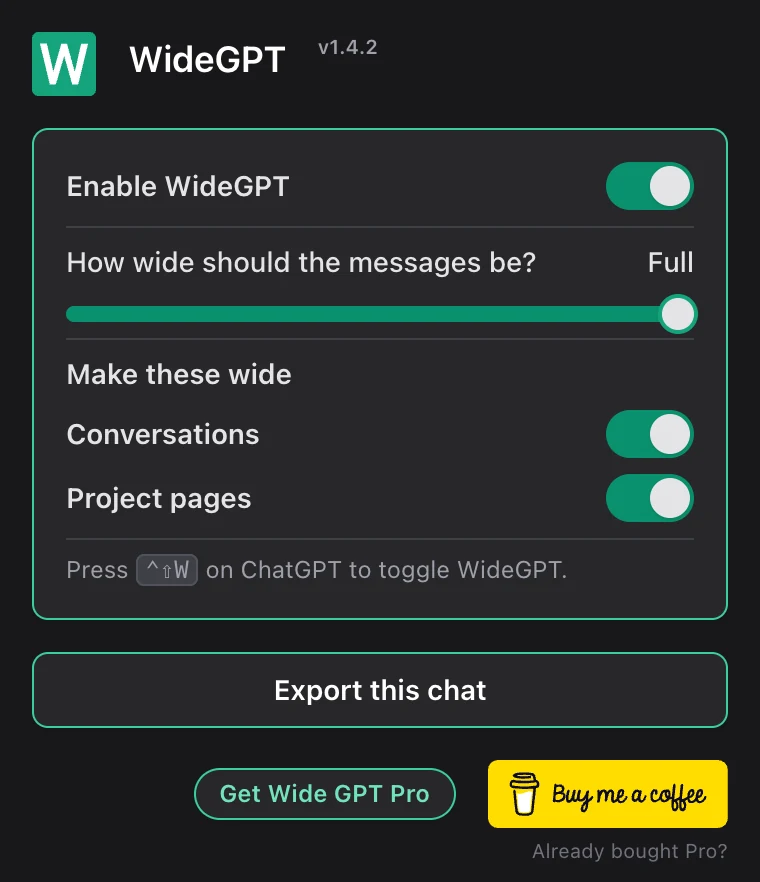
  2. Click Get Wide GPT Pro in its popup

    Pick monthly or yearly and start the 7-day trial. You pay by card through Lemon Squeezy, and nothing is charged until the trial ends.

    The Wide GPT popup, with the Get Wide GPT Pro button at its foot. The Wide GPT popup, with the Get Wide GPT Pro button at its foot.
  3. Pro turns on by itself

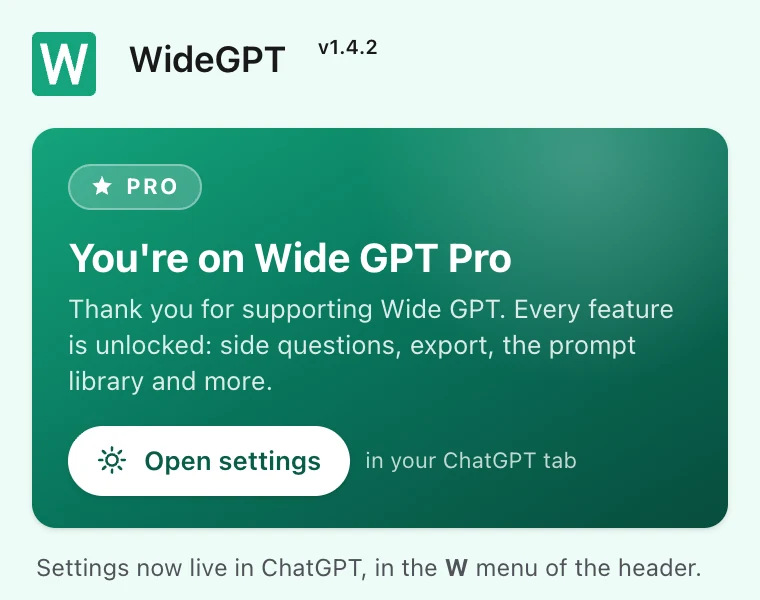
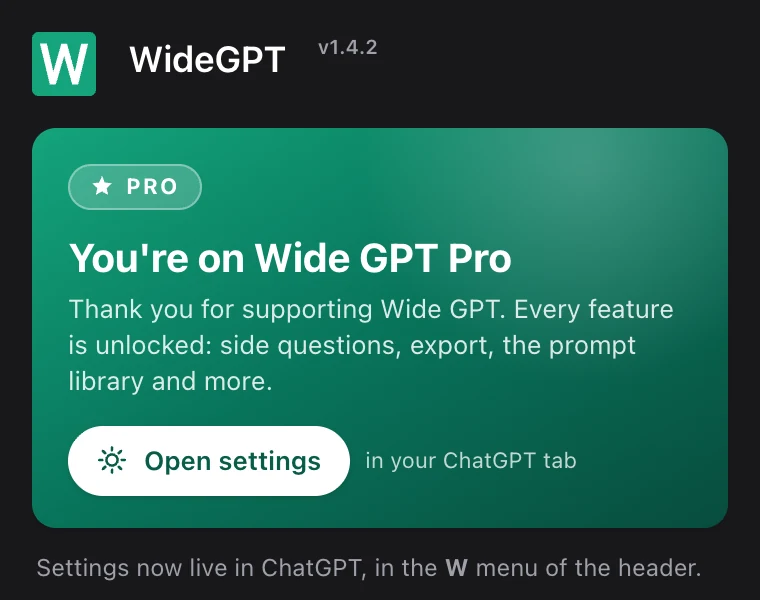
    In that browser, a few seconds after you pay. The Wide GPT menu appears in ChatGPT's header, with the Prompt library, Side question, Export chat and Settings.

    The Wide GPT icon pinned next to Chrome's address bar. chatgpt.com The Wide GPT popup with Pro on: a green card saying You're on Wide GPT Pro, with an Open settings button. The Wide GPT popup with Pro on: a green card saying You're on Wide GPT Pro, with an Open settings button.

Bought on your phone, or for another computer? Your receipt email has a licence key. On the computer, open the Wide GPT popup, click Already bought Pro?, paste the key and click Activate. One purchase works in a few of your browsers.

Manage your subscription or find your key in Lemon Squeezy's My Orders.

What Pro includes

PRO

Side Chat: ask without losing your thread

A quick question in the middle of a long chat pulls the whole conversation off course. Select the text, choose Ask Side Question or Side question in the Wide GPT menu, and get the answer in a panel beside your chat, in a temporary chat that stays out of your history.

  • Only the text you select goes with your question
  • Runs in a temporary chat, out of your history
  • Your conversation stays where it was
PRO

Chat selection: take only the part you need

Copying one stretch of a long chat means dragging across screen after screen. Choose Start here, scroll as far as you like, and click where the part ends. Copy or export just that; it pastes cleanly into your notes, Notion included.

  • Start and end as far apart as you like
  • Copy it as text, as Markdown, or for Notion
  • Export just that part as PDF or Markdown
PRO

Export: get your chats out of ChatGPT

Copying a long chat by hand is slow, and the code and tables often don't survive. Save a whole chat or a selection as Markdown or PDF, with code blocks, tables, formulas and images.

  • A whole chat or just a selection
  • Markdown or PDF
  • Code blocks, tables, formulas and images included
PRO

Prompt library: your best prompts, a shortcut away

Typing the same instructions at the start of every chat gets old fast. Save your prompts once, open the library from the Wide GPT menu or its shortcut, and type a few letters to find one. It goes into the message box, ready to edit or send.

  • Find any prompt by typing a few letters
  • Goes in where you're typing, never sent for you
  • Import and export your library as Markdown
PRO

Settings: shortcuts the way you like them

Everything Pro does sits in one Wide GPT menu in ChatGPT's header, each item with its shortcut. Open Settings, click a key and press a new one; a key ChatGPT, Chrome or Wide GPT already uses is turned down, with the reason.

  • Every Pro feature in one menu in ChatGPT's header
  • Change any shortcut, or restore the defaults
  • Keys that clash with ChatGPT or Chrome are refused

Questions

How do I buy Pro?

From the Wide GPT popup on your computer: see How to get Pro, above.

What about another browser, or after reinstalling?

Your receipt email has a licence key. Open the Wide GPT popup, choose Already bought Pro?, paste the key and click Activate. One purchase works on a few of your browsers. Lost the email? Find your key in Lemon Squeezy's My Orders.

How do I cancel?

Cancel anytime from the link in your receipt email, or at Lemon Squeezy's My Orders. Pro stays on until the end of the period you paid for, and you aren't charged again. Cancel during the trial and you pay nothing.

What if a payment fails?

Pro stays on while Lemon Squeezy tries the card again, for about two weeks. If it still can't charge it, Pro turns off until you update your card or buy again.

Details in the terms and the refund policy. Questions? support@widegpt.app.

You'll hear back from the person who builds Wide GPT.